


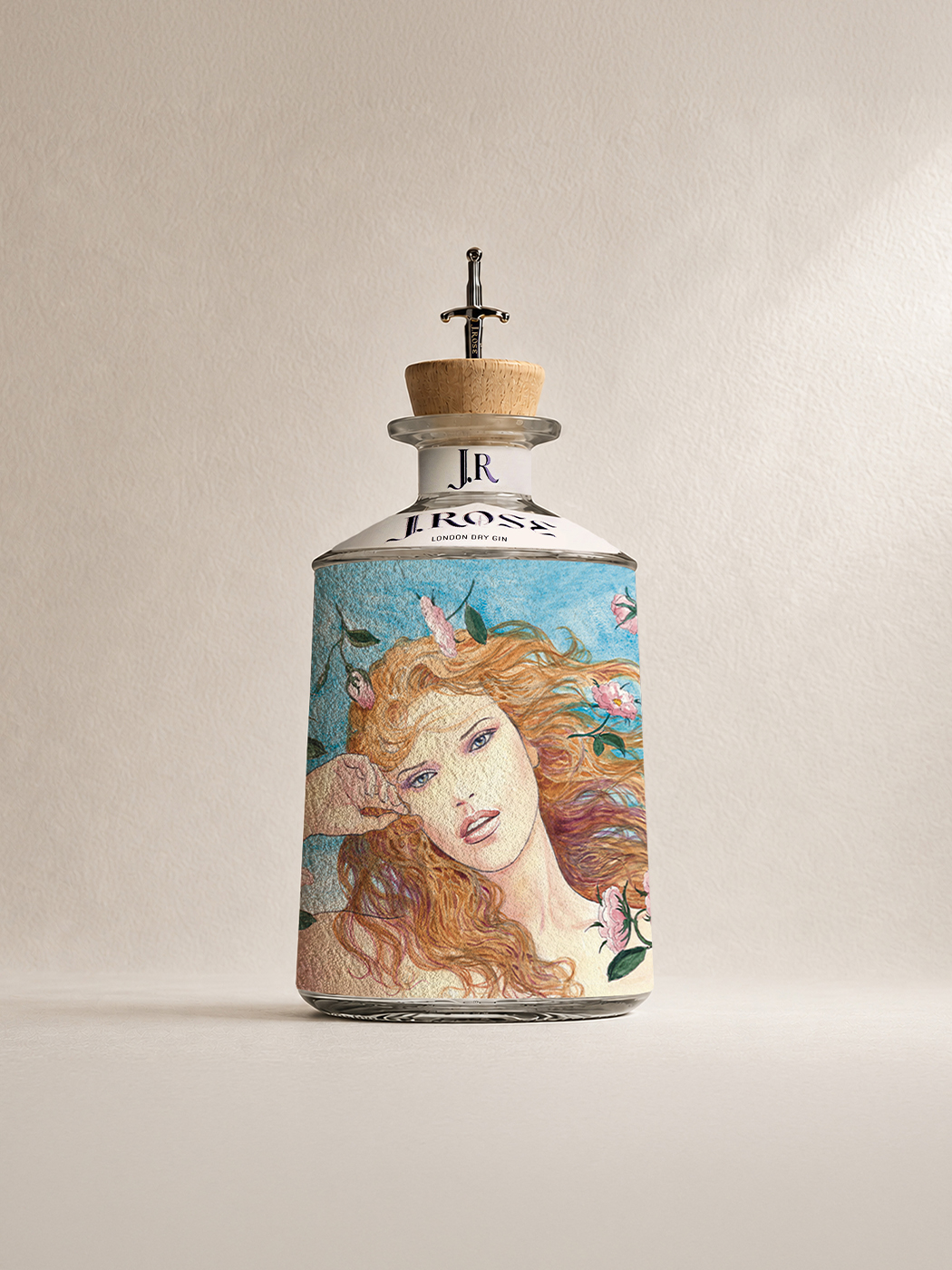

A gift that speaks
in your voice.
MESSAGE
in a BOTTLE.
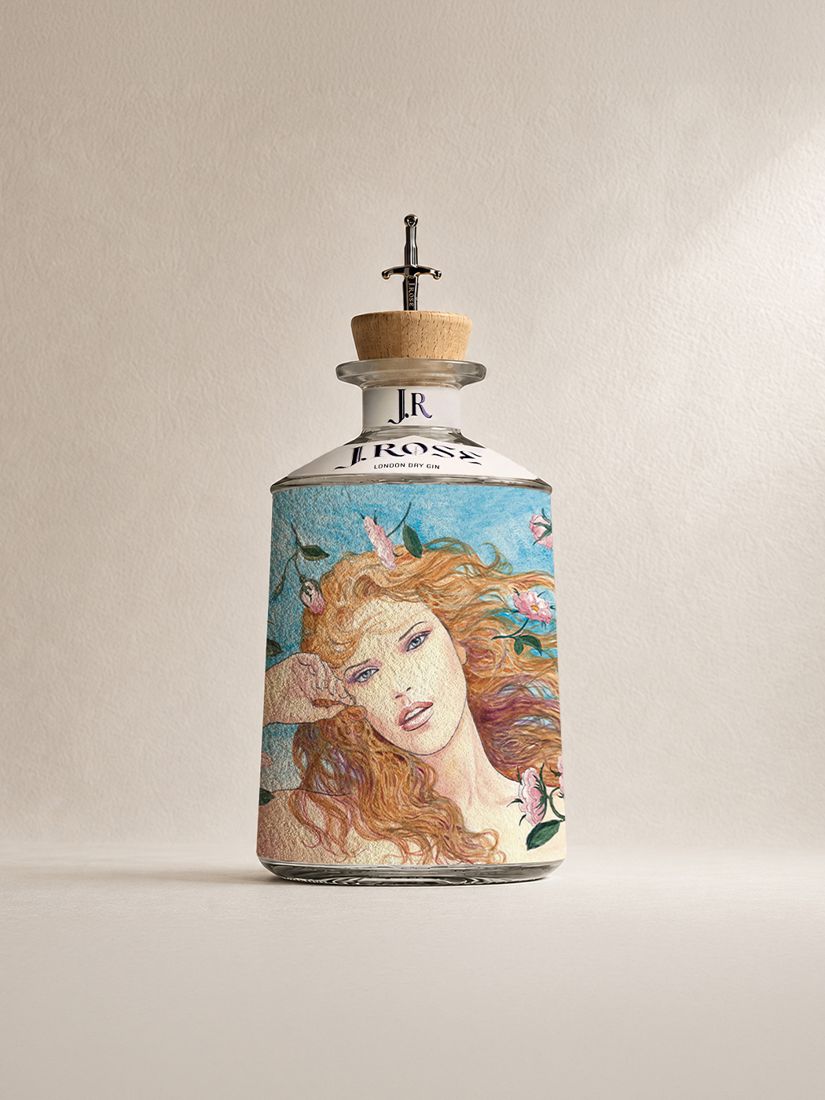
Entrust the bottle with a dedication, a video or both. Whoever receives it discovers it with a simple tap of their smartphone on the NFC tag.
No app: your smartphone is all you need
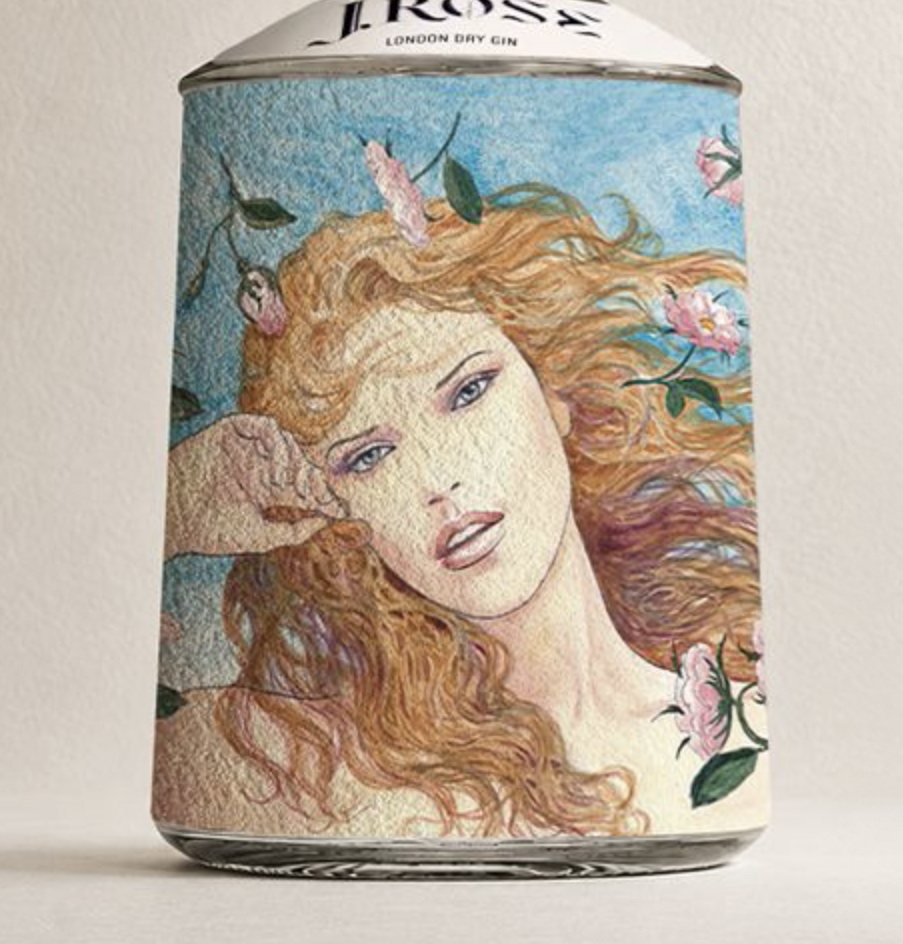
Is the bottle in front of you? Hold your smartphone to the lower front: the tag sits beneath the textured label and opens the page where you create your message. Where the tag is
Because drinks run out, but true emotions remain.
How it works
-
 01
01Buy
Choose a J.Rose Message in a Bottle, at your wine shop or online.
-
 02
02Tap
Touch the lower front of the bottle with your smartphone: the NFC tag is hidden beneath the textured label. The J.Rose page opens, with no app to download. Sign in or create an account to add your dedication.
How to turn on NFC
- iPhoneIt’s always on. Use the top edge of the phone.
- AndroidCheck that NFC is on in Settings and hold the middle of the back of the phone to the bottle.
- AlwaysKeep your smartphone still for a couple of seconds, touching the bottle. If it doesn’t read, remove the case.
-
 03
03Entrust
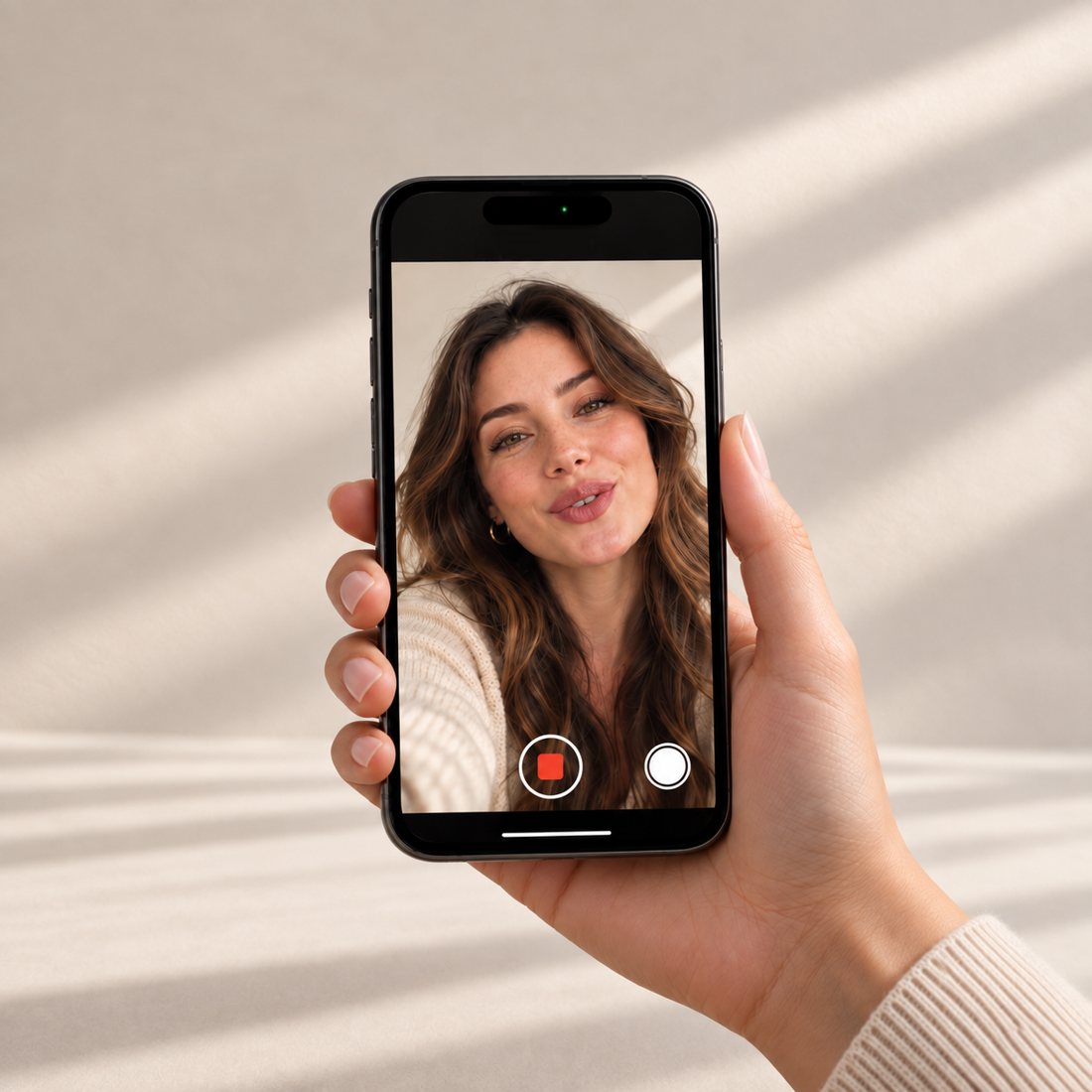
Write a dedication, record a video of up to 1 minute, or both. If you wish, protect your message with a password. Take your time to review: once confirmed, it can no longer be changed.
What you can entrust
- The dedicationA few lines of your own: a wish, a memory, a promise.
- The videoUp to 1 minute. Your voice and your face, kept inside the bottle.
- The keyOpen access, or a password you share with the recipient.
-
 04
04Give
Hand over the bottle. The recipient holds a smartphone to the tag and your message opens.
Why choose J.Rose with Message in a Bottle
Private
If you wish, only those who know the password can open it.
Simple
No app: a smartphone is all you need, for you and for the recipient.
Inside a work of art
A frescoed bottle, to treasure even after the contents are gone.
Added value
For €5.50 the bottle becomes a unique gift personalised with your wishes, for those who want to make a difference.
Did you receive a J.Rose bottle with Message in a Bottle?
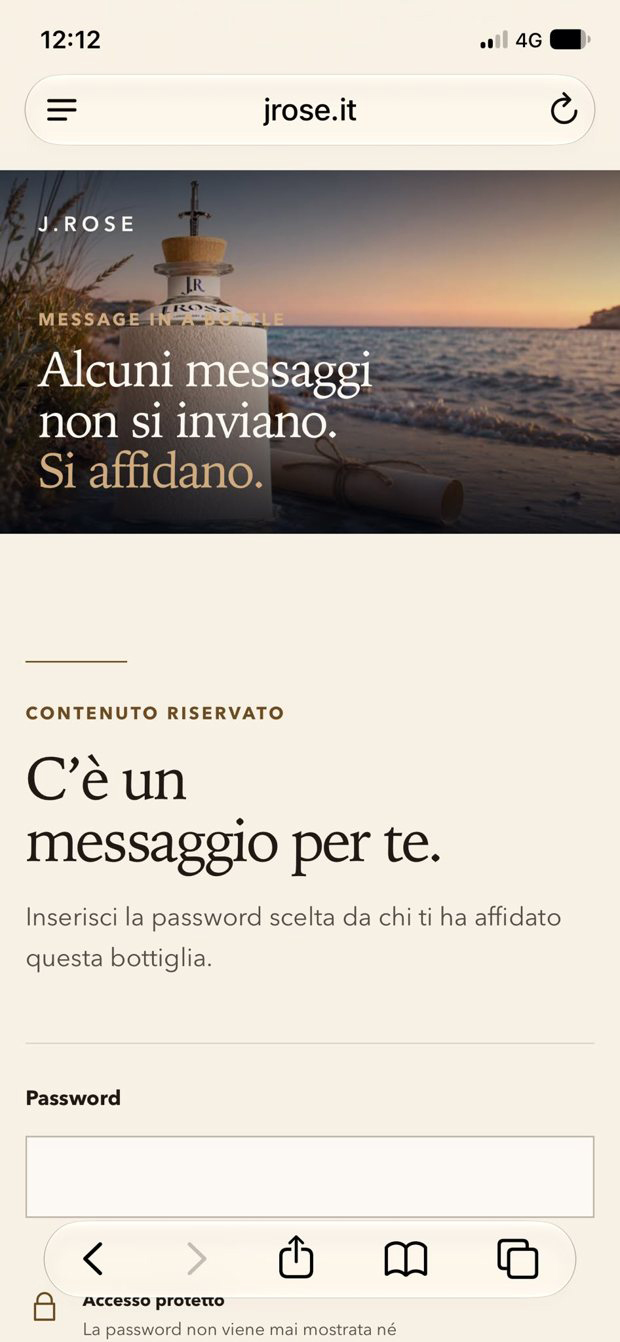
Someone has entrusted you with a message. Hold your smartphone to the lower front of the bottle and it opens straight away. If it’s protected, enter the password given to you by the person who gave you the bottle.
Your message is waiting.
Where to find it
Look for Message in a Bottle bottles at the J.Rose wine shop nearest you. If they are not in stock, you can order them there. Online, you can add Message in a Bottle when you buy.
The service is available for all J.Rose, La7Vidas and Sangue Amaro bottles.
Frequently asked questions
What is NFC? Does my phone have it?
It’s the same technology used for contactless payments. Every iPhone from the XS onwards has it, as do most Android smartphones: on Android, if it isn’t already on, you can switch it on in Settings.
Do I need to download an app?
No. The tag opens the J.Rose page directly in the browser.
Who can see the message?
With open access, anyone who holds a smartphone to the tag. With protected access, only those who know the password.
Can I edit the message after saving it?
No. Before confirming you can review and change everything; once saved, the message stays as it is.
What if the recipient forgets the password?
The password cannot be recovered but the person who created the message can set a new one at any time.
How much does it cost?
Activating the message costs €5.50 VAT included.
The tag won’t read. What should I do?
Remove the case, hold the phone to the lower front of the bottle and keep it still for a few seconds. On Android, check that NFC is on. If the problem persists, write to info@jrose.it.
